ClaireMail

Email, calendar and reminders,
in one fast app.

Claire brings Gmail, Google Calendar and Apple Reminders together, with AI that triages your inbox, writes your daily brief and preps your meetings.

Early access for Mac and iPhone.

Claire Mail on Product Hunt

You're in.

Claire is in beta on Mac and iPhone. Install it now, or find the links in your inbox.

Questions or feedback? Reply to the welcome email.

Claire Mail on Mac, showing the full Today window and sidebar.
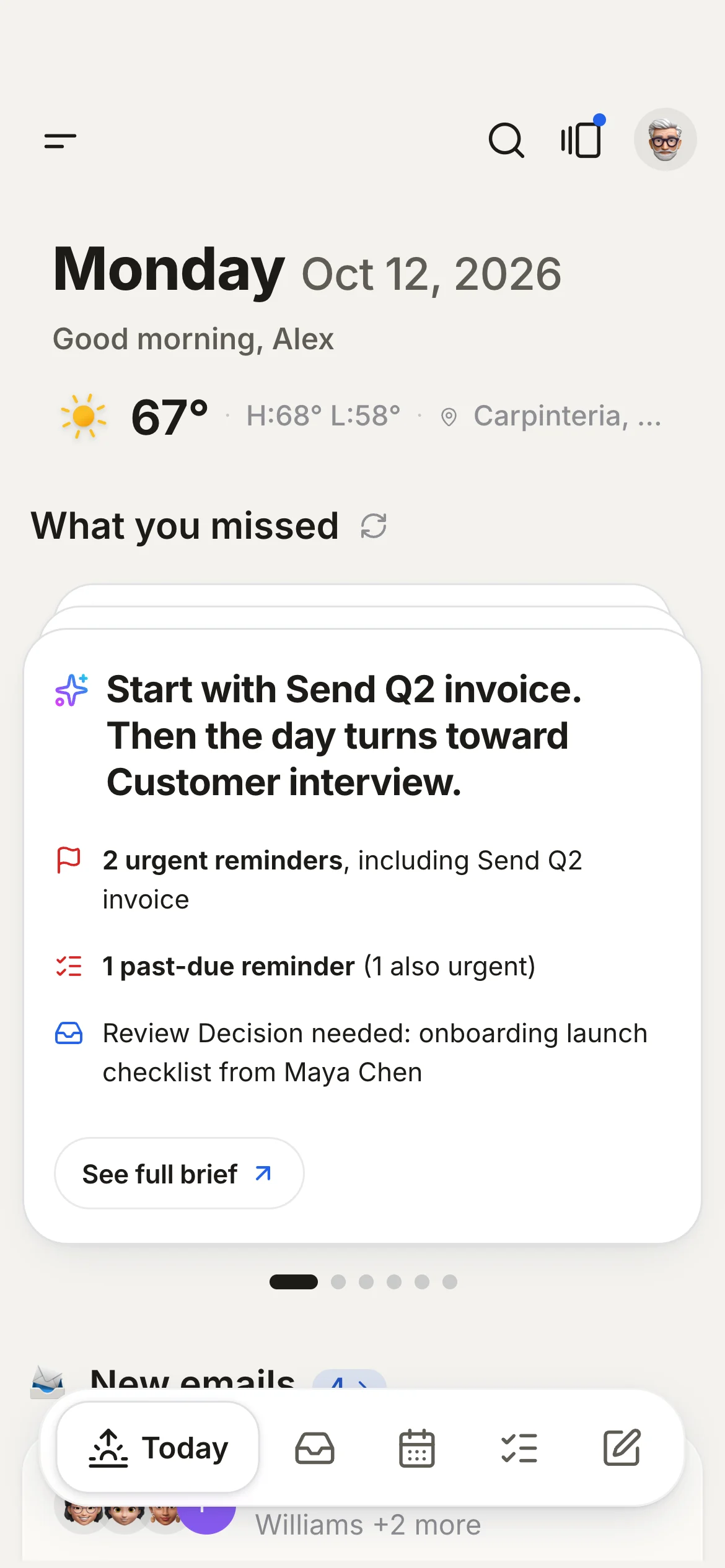
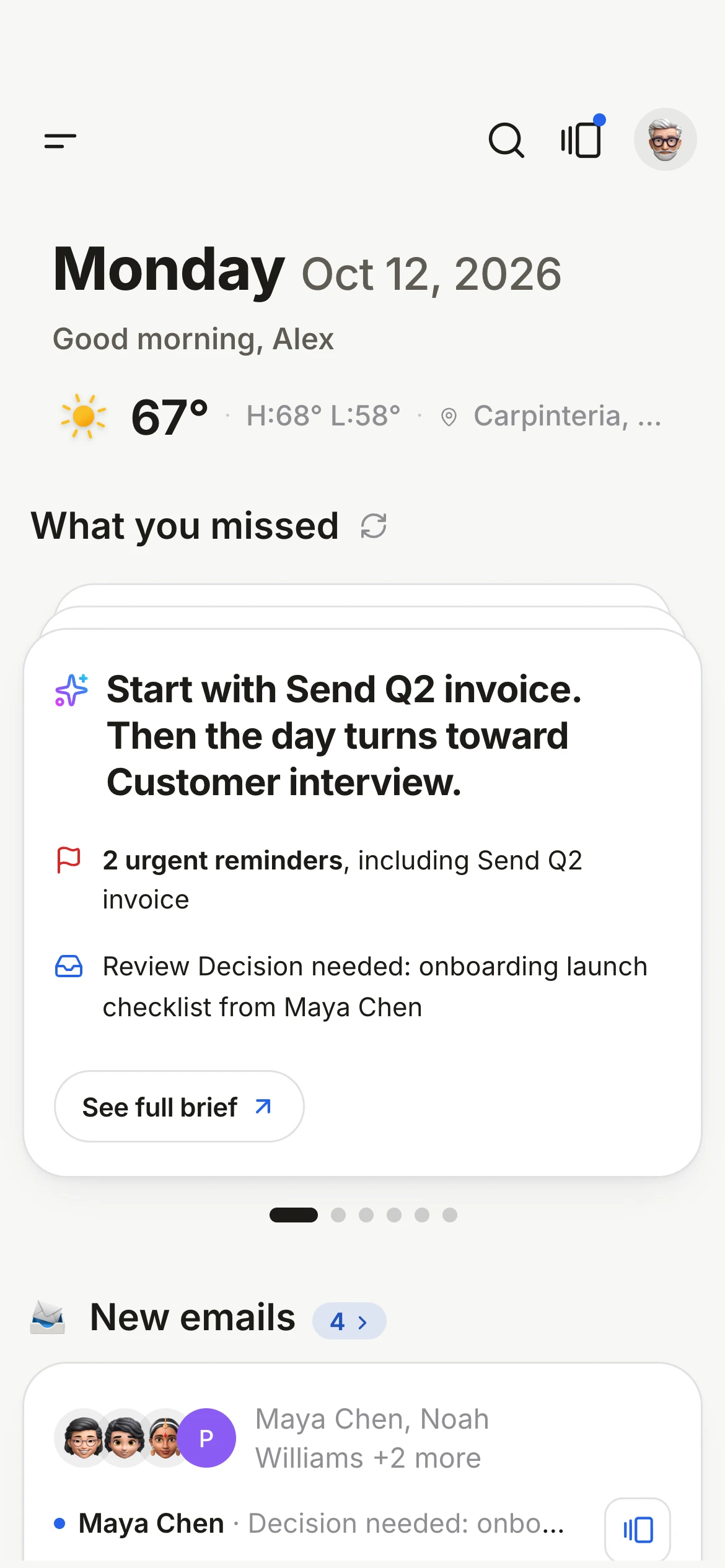
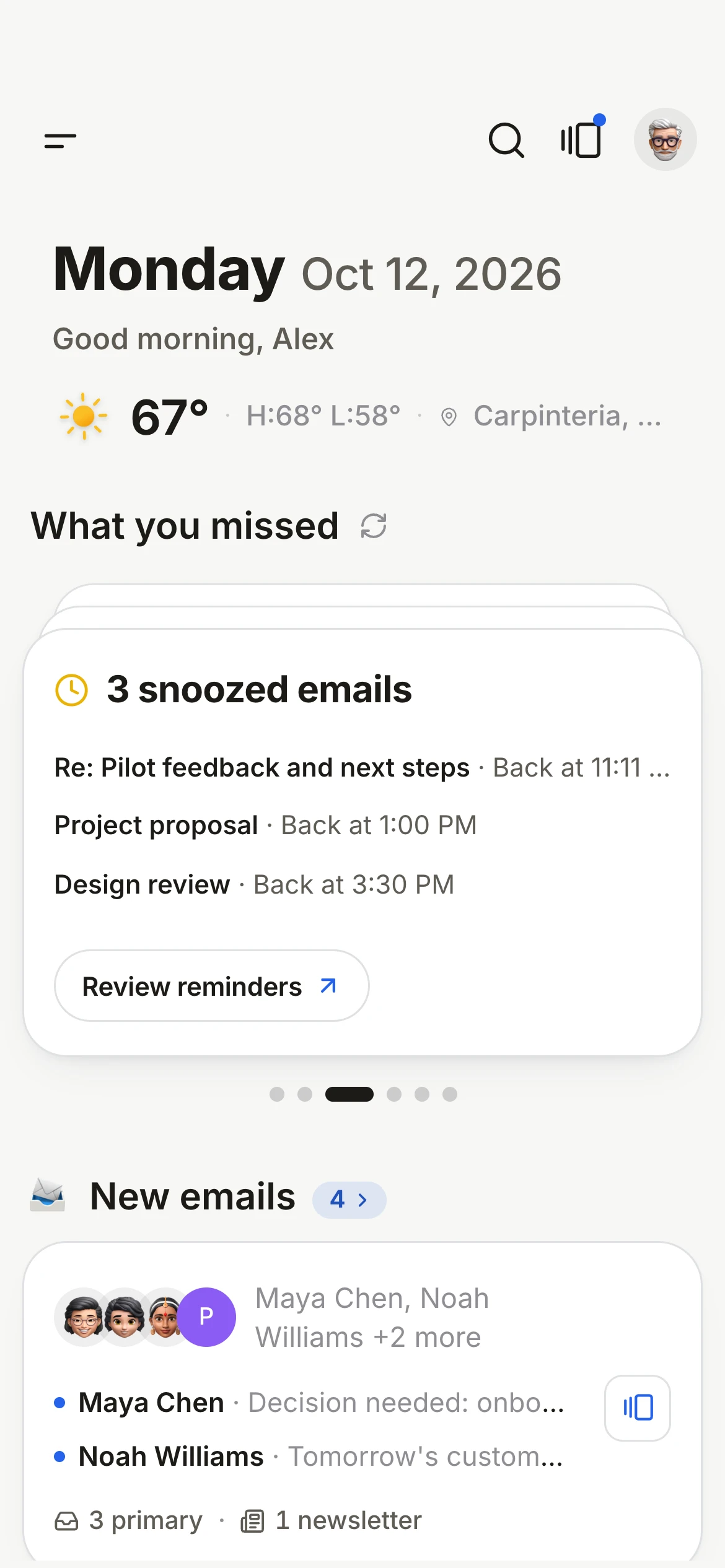
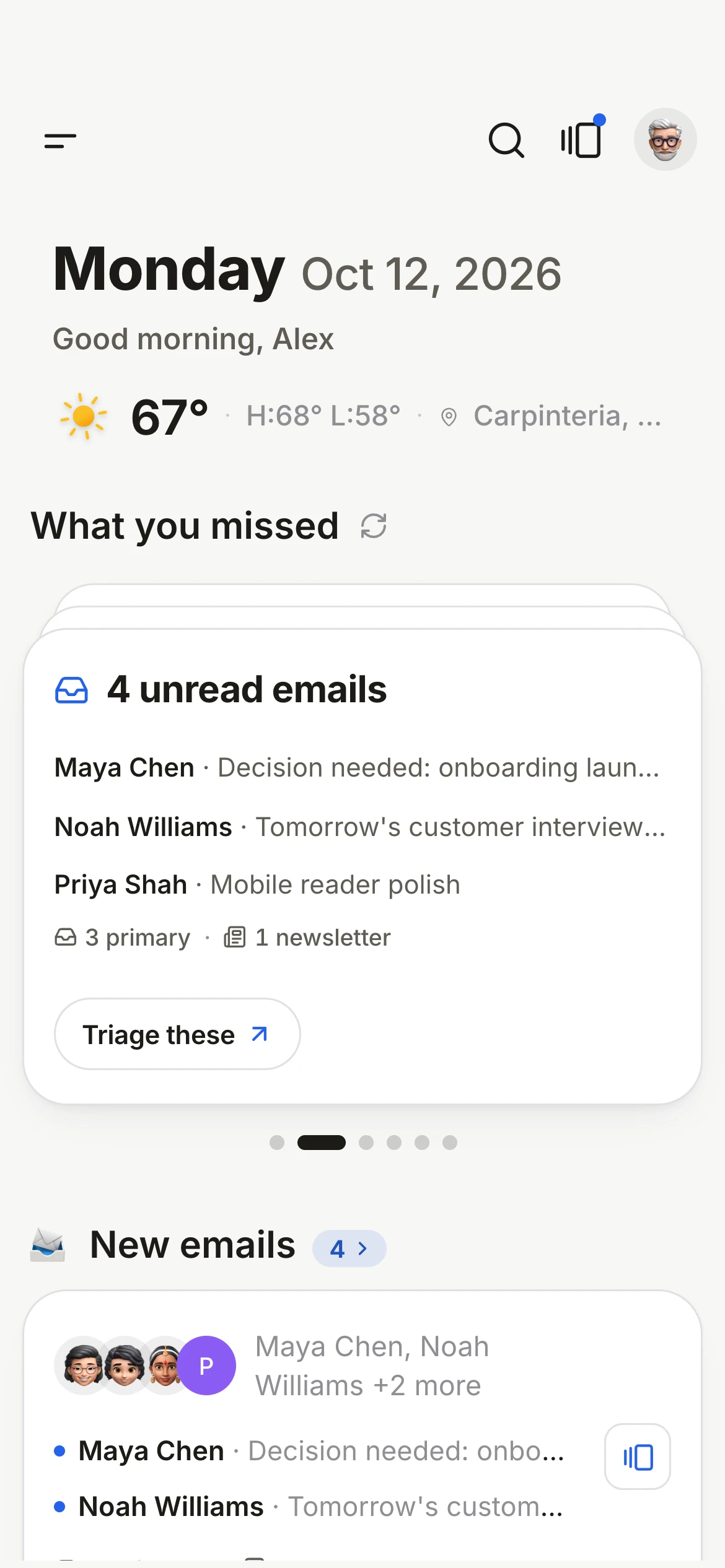
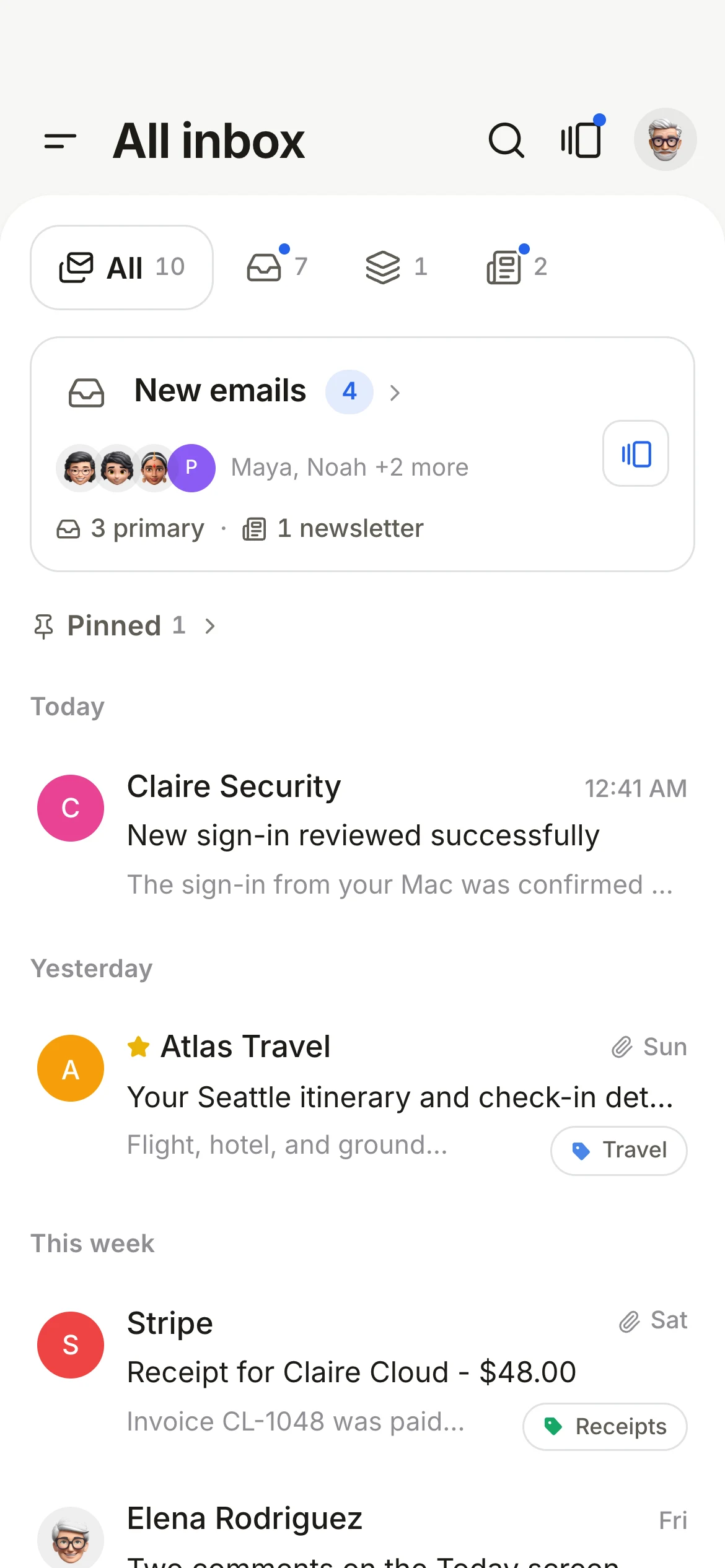
Claire Mail Today on iPhone.

Your day at a glance

Mail, meetings, reminders and weather together in Today, and as widgets on your iPhone Home Screen.

Early access for Mac and iPhone. Supports Gmail and Google Workspace.

A short brief every morning

What you missed, what's due and what's next, written from your own mail, calendar and reminders.

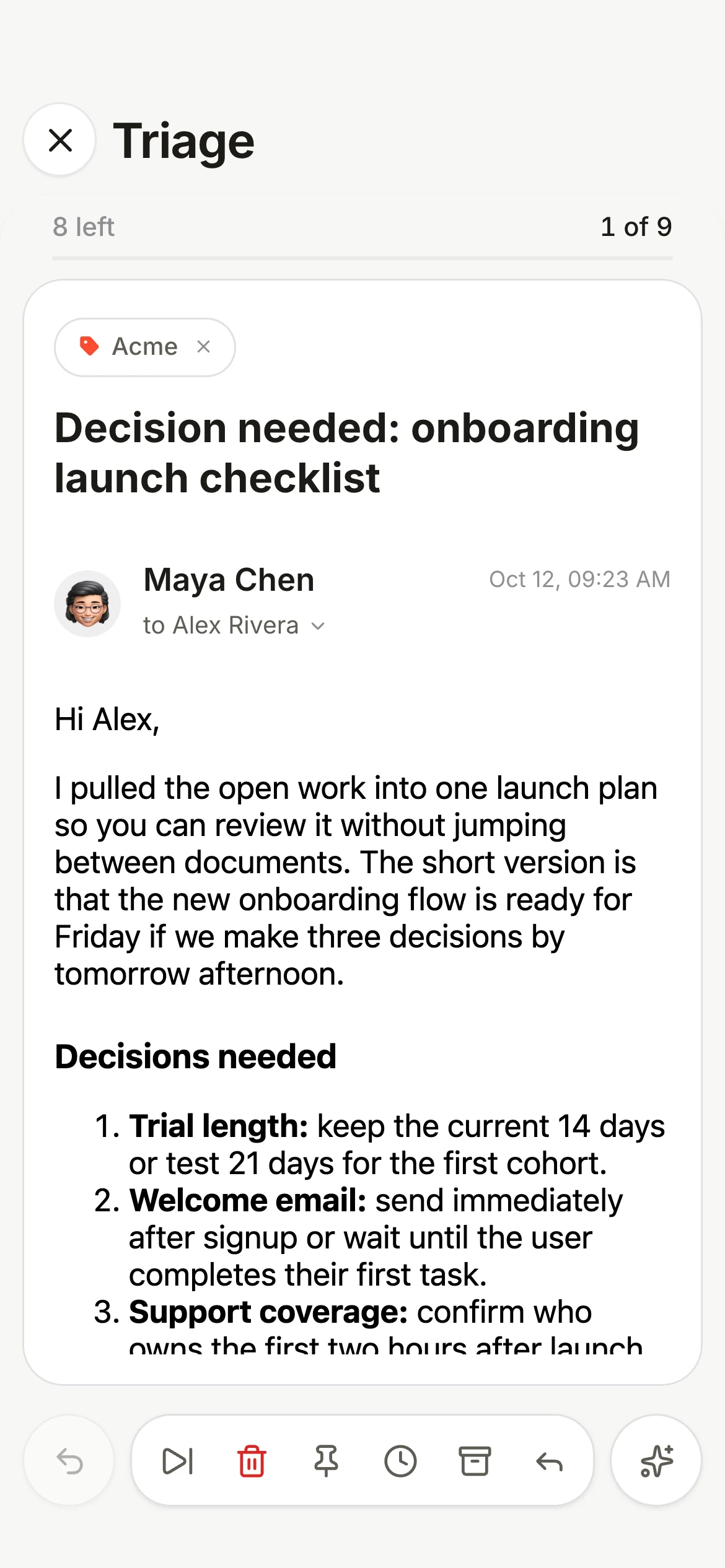
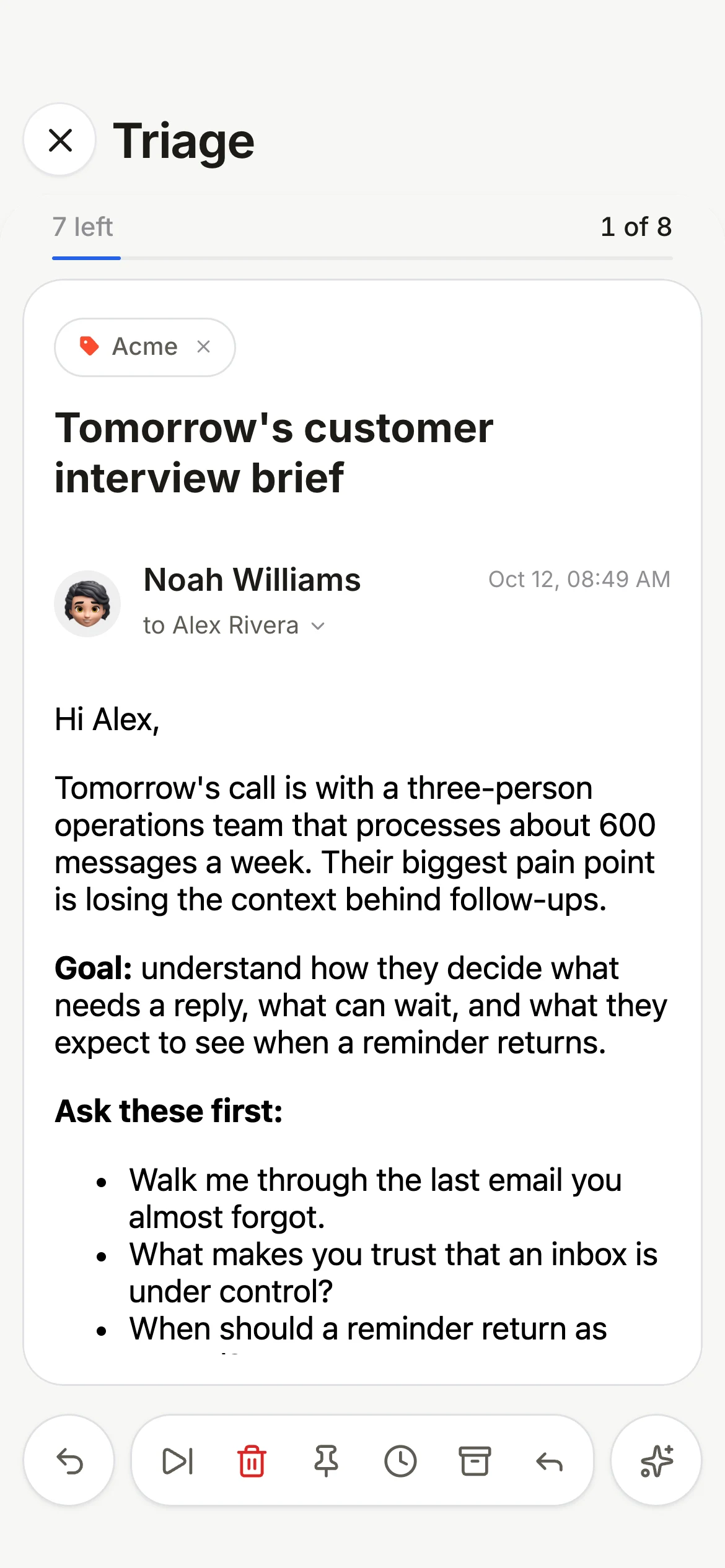
Go through new mail one at a time

Archive, snooze, pin or reply with one swipe, and the next email is already open.

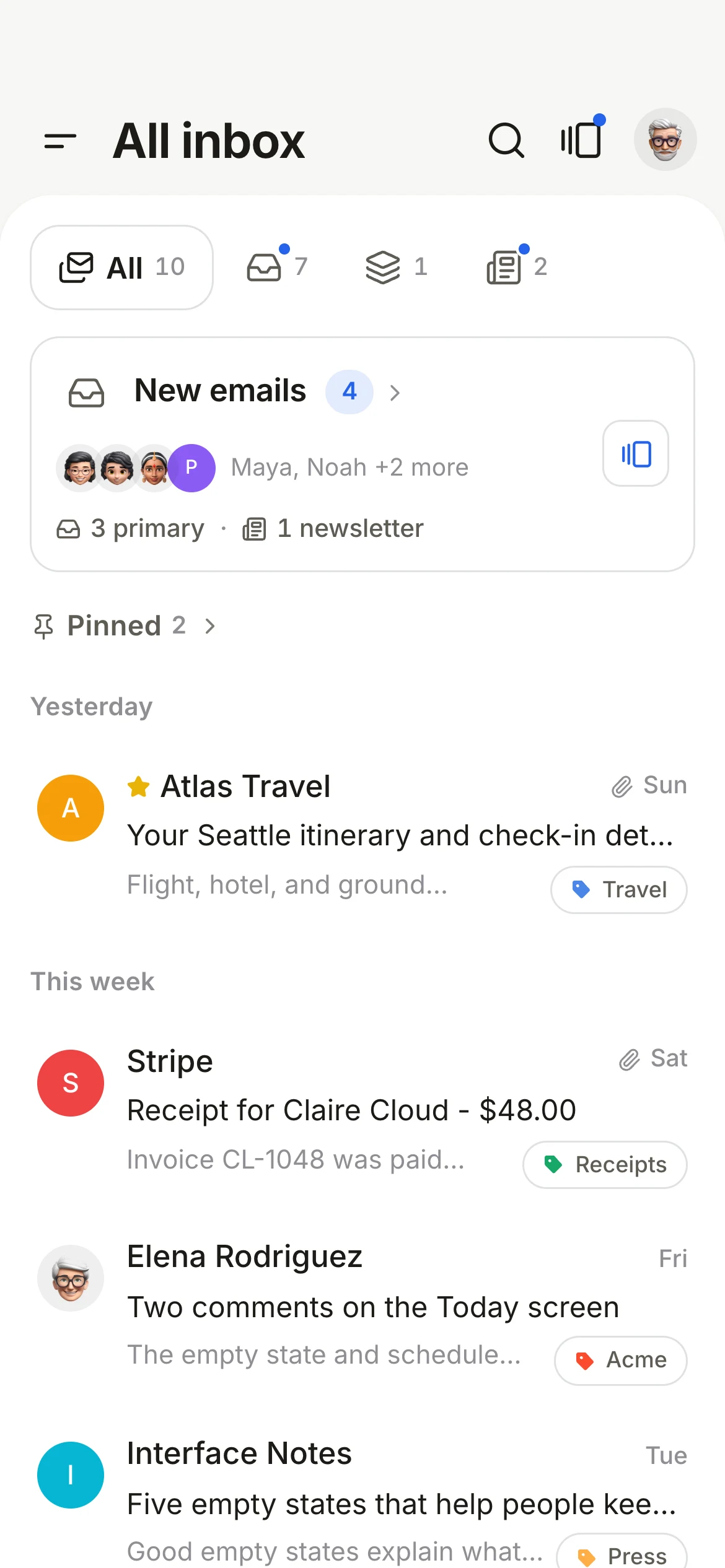
Pin what you need to come back to

Swipe to pin an email and it stays at the top until you are done with it. Or snooze it, and it comes back when you choose.

Ask Claire about any email

Key points, a next step and help with your reply. AI is optional, and you choose where it runs.

Apple Intelligence on your device with no key, your own key from Claude, OpenAI, Gemini, Grok or Groq, or Ollama on your Mac.

The rest of what you need

All of it stays in sync between your Mac and iPhone.

NotificationsPrimary only, so newsletters stay quiet
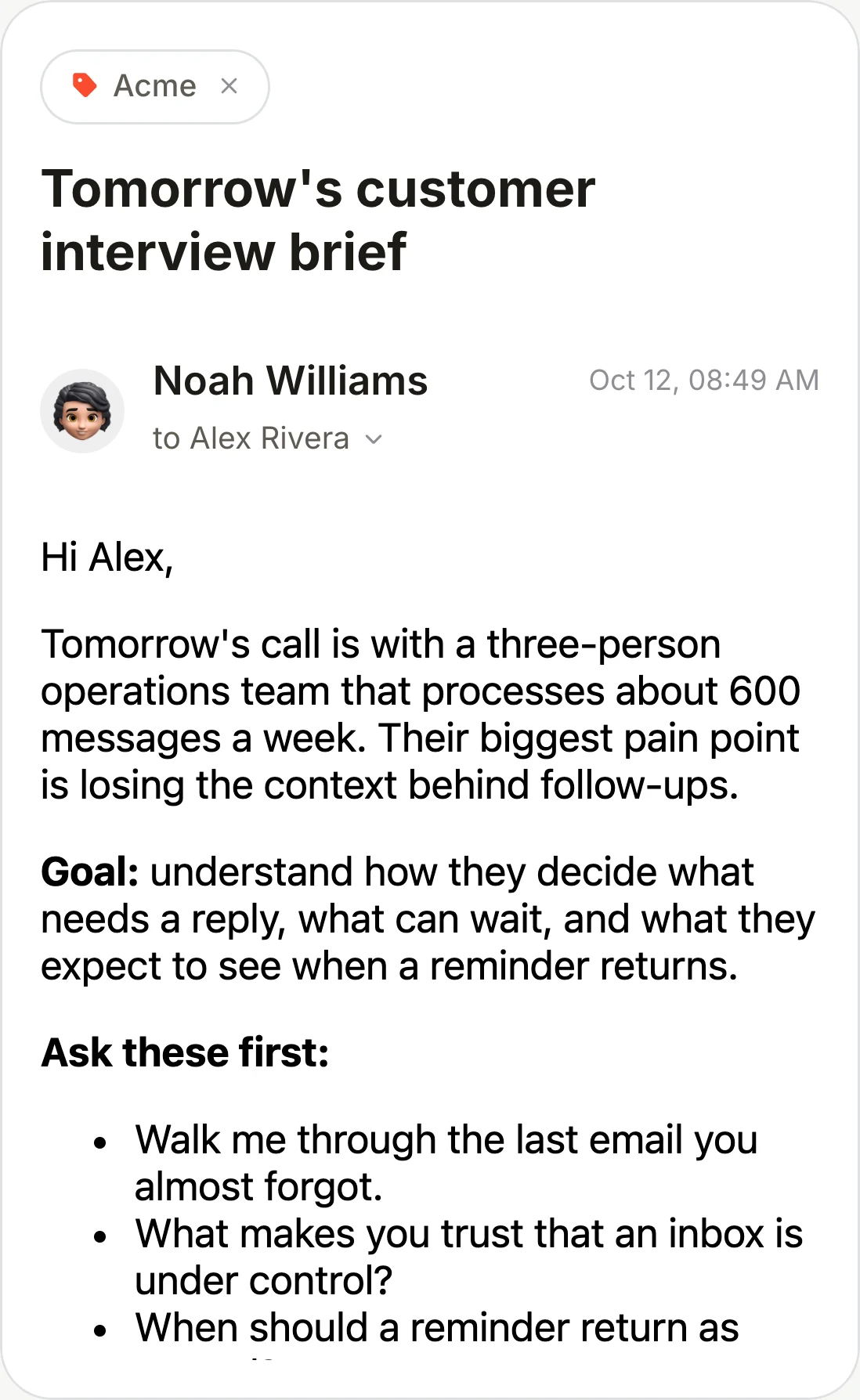
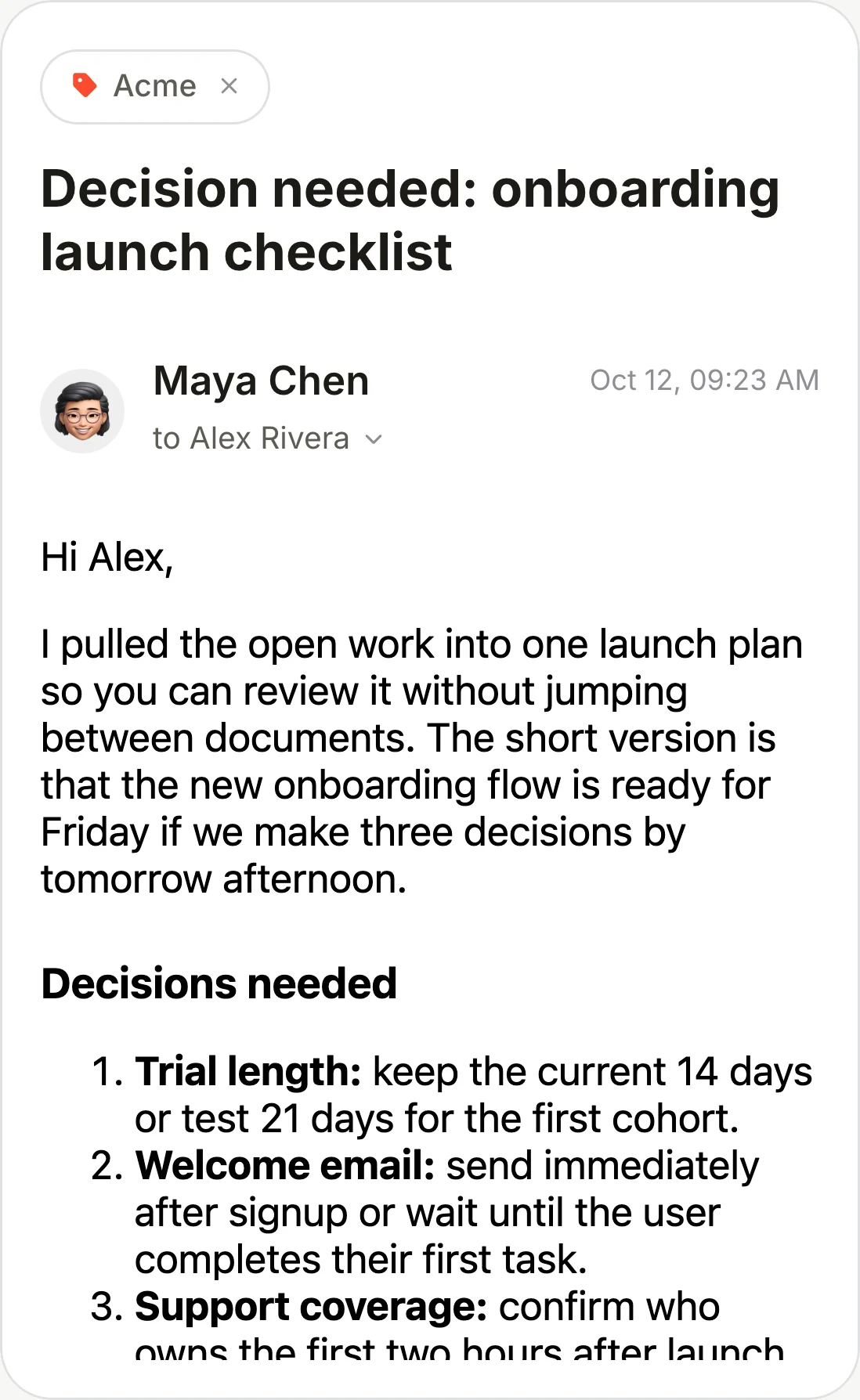
Gmail labelsOn every email, in their own colors
Acme
Multiple accountsGmail and Workspace, side by side
Inbox tabsSort like Gmail, or let Claire sort
CalendarGoogle or Apple, with Up next and prep
MON12
Apple RemindersTriage reminders: done, snooze or skip each one
2 of 3
WidgetsMail, meetings and weather
64°
ThemesSolid, White and Black, plus Frame on Mac

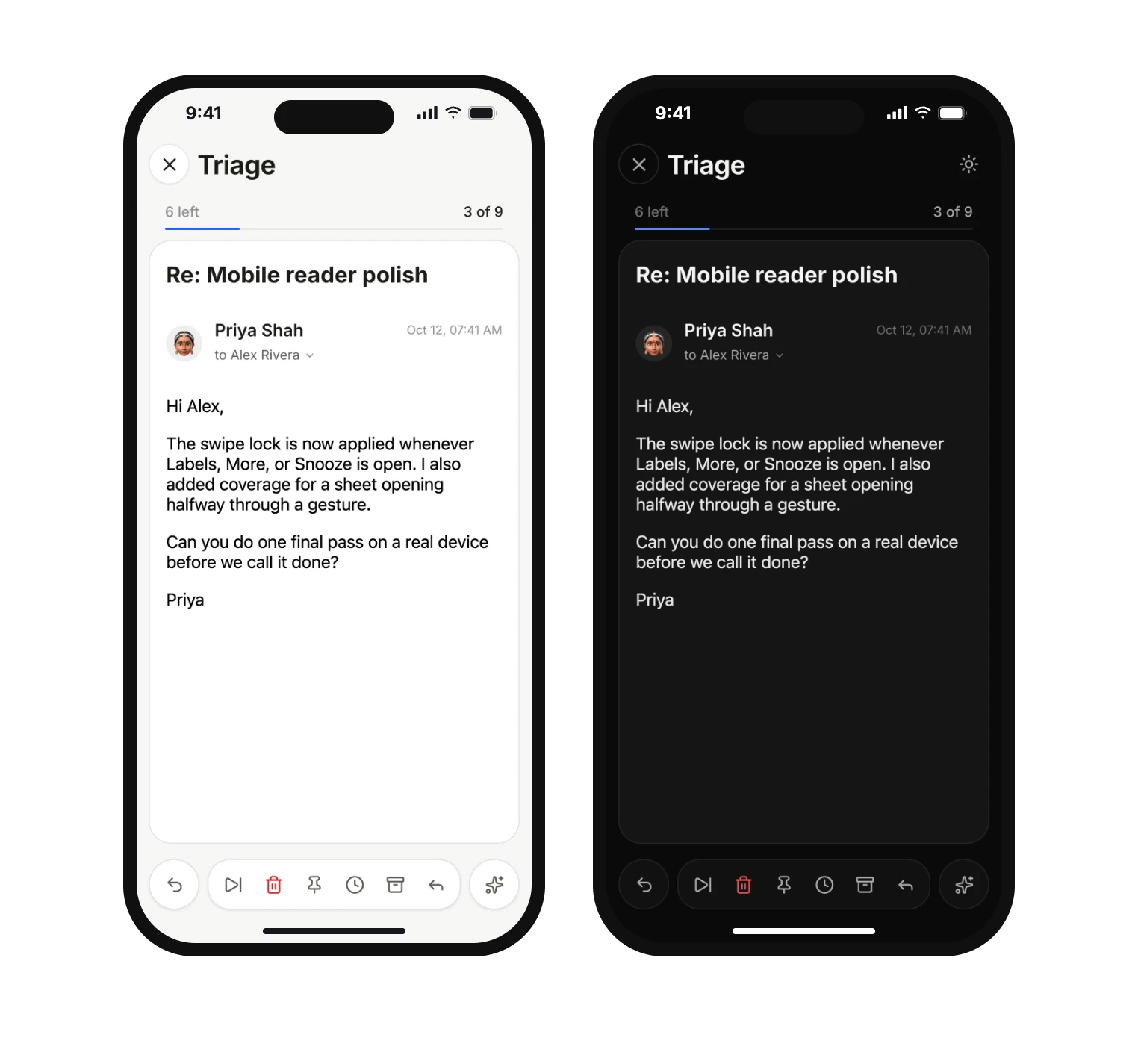
Looks right in light and dark

Pick the look you like. Claire follows your device between light and dark.

Triage on iPhone in the light theme.
Triage on iPhone in the dark theme.

See what's next and prepare for it

Your next meeting at a glance, from Google Calendar or Apple Calendar. Join the call in one click, and tap Prepare for the open questions from your email and what to do first. On iPhone and Mac.

Your Apple Reminders, with Triage

Your Apple Reminders, right where you read. Triage reminders shows what is due, card by card: mark it done, snooze it, skip it or delete it. Claire can add subtasks, draft the email or suggest a time. On the Mac, press Control Option R in any app to add one.

Questions

How much does Claire cost?

Claire is free to use while in beta, with a free version planned for the long run.

Which email accounts does Claire support?

Gmail and Google Workspace, with several accounts side by side. Outlook is not supported yet.

Where can I use it?

Claire is in early access for Mac (Intel and Apple Silicon) and iPhone through TestFlight. The browser demo lets you try it with sample mail.

How much does Claire cost?

Claire is free to use while in beta, with a free version planned for the long run.

Can I keep Gmail's inbox tabs?

Yes. Sort like Gmail shows Primary, Updates, Promotions, Social and Forums, just as Gmail sorts them, and moving an email changes it in Gmail too. Or let Claire sort into Primary, Other and Newsletter.

Do I need an AI key?

No. On a supported iPhone or Mac, Apple Intelligence runs AI on the device with no key. You can also use your own key from Claude, OpenAI, Gemini, Grok or Groq, or Ollama on Mac, and turn each AI feature on or off. Triage, Today, calendar and reminders work without AI.

Does Claire store my email?

Your mail stays in Gmail. Claire reads it through Google’s API and keeps what it needs to work on your device. The privacy policy lists each data flow.

Can Claire send or archive on its own?

No. Ask Claire suggests a step and waits for you to tap it.

Is there an Android app?

Not yet. Mac and iPhone come first.

Get early access

Sign up and the download links arrive right away.